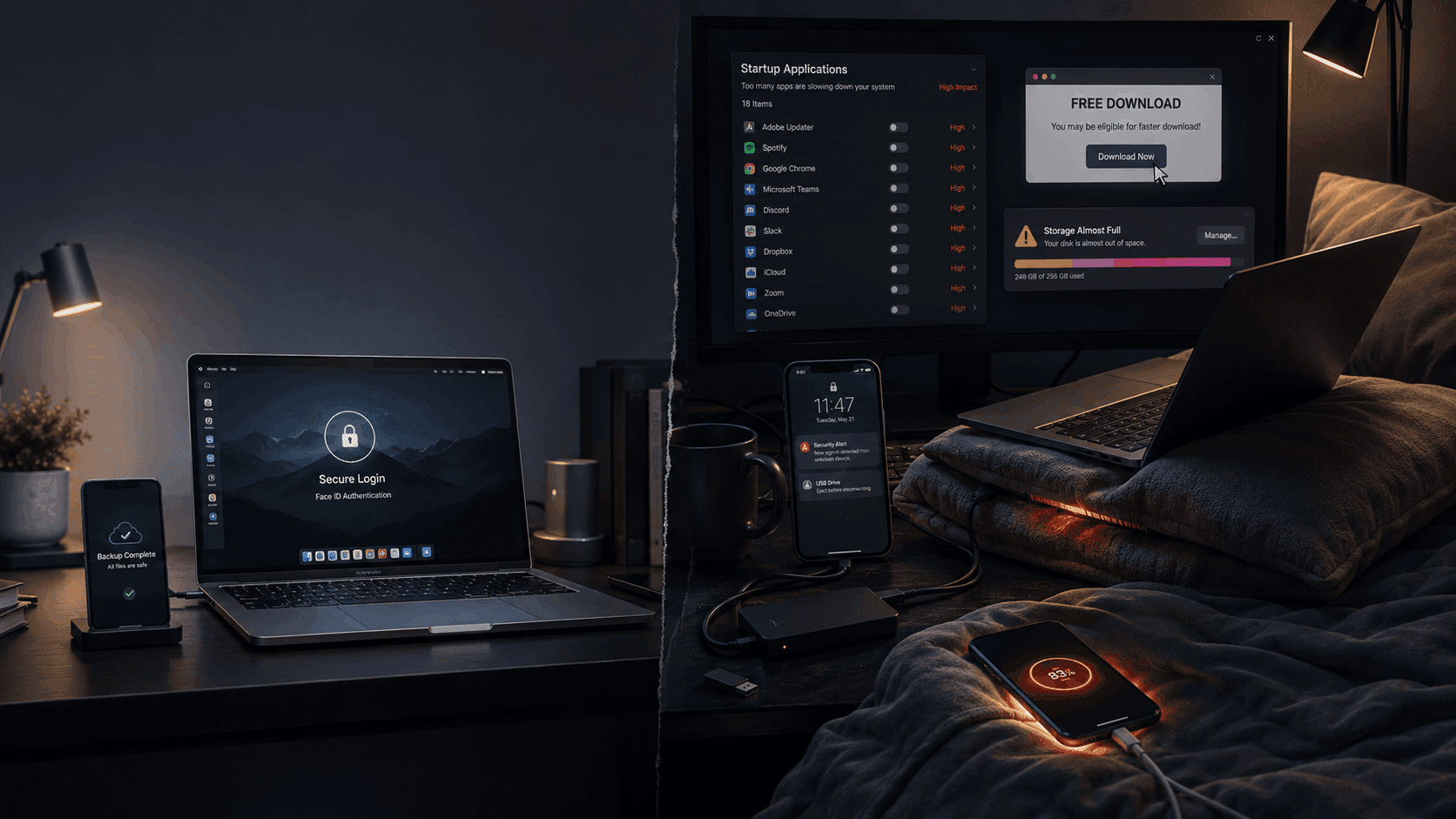
Your phone battery dies faster than it used to. Your laptop sounds like a jet engine. Your PC takes forever to boot. One day your files suddenly disappear.
Most people assume their devices are “getting old.”
But in reality? Many devices are being slowly destroyed by everyday habits people think are harmless.
Tiny tech mistakes repeated daily can shorten hardware lifespan, expose private data, invite malware, and eventually cost you money, productivity, and peace of mind.
The worst part: most of these problems are completely preventable.
Here are 7 common tech mistakes you should stop making immediately.
1. Charging Your Phone Overnight Every Single Night

It feels normal. Plug in your phone before bed, wake up to 100%.
Simple, right?
Not exactly.
Modern smartphones are smarter than they used to be, but constantly keeping your battery at 100% for hours every night still contributes to long-term battery wear.
Lithium-ion batteries age faster under:
- Excess heat
- Constant full charge cycles
- Prolonged time at 100%
That’s why after a year or two, many people notice:
- Faster battery drain
- Random shutdowns
- Reduced battery health
- Phones heating up more often
What To Do Instead
- Use optimized charging features built into your phone
- Charge before sleeping rather than all night when possible
- Avoid cheap chargers that generate excessive heat
- Keep your phone cool while charging
A healthy battery lasts significantly longer when heat and overcharging stress are reduced.
2. Using Your Laptop on a Bed or Pillow

This one quietly destroys laptops.
Beds, blankets, pillows, and soft couches block the cooling vents underneath many laptops. That trapped heat has nowhere to go.
Inside your laptop:
- CPU temperatures rise
- Fans work overtime
- Performance drops
- Internal components wear faster
Over time, excessive heat can damage:
- Batteries
- SSDs
- Motherboards
- Cooling systems
If your laptop feels unusually hot or sounds constantly loud, airflow may be the problem.
What To Do Instead
- Use laptops on hard, flat surfaces
- Consider a laptop stand or cooling pad
- Clean dust from vents regularly
- Avoid covering side or bottom air vents
Heat is one of the biggest enemies of electronics.
3. Saving Passwords in Notes Apps or Plain Text Files

Many people still store passwords like this:
txtNetflix: mypassword123
Bank: johnbirthday2020
Email: samepasswordagain
Sometimes it’s in:
- Notes apps
- Desktop text files
- Screenshots
- Browser drafts
- Messaging apps
If malware infects your device or someone gains access for even a few minutes, those passwords become easy targets.
And if you reuse passwords across accounts, one breach can expose everything.
What To Do Instead
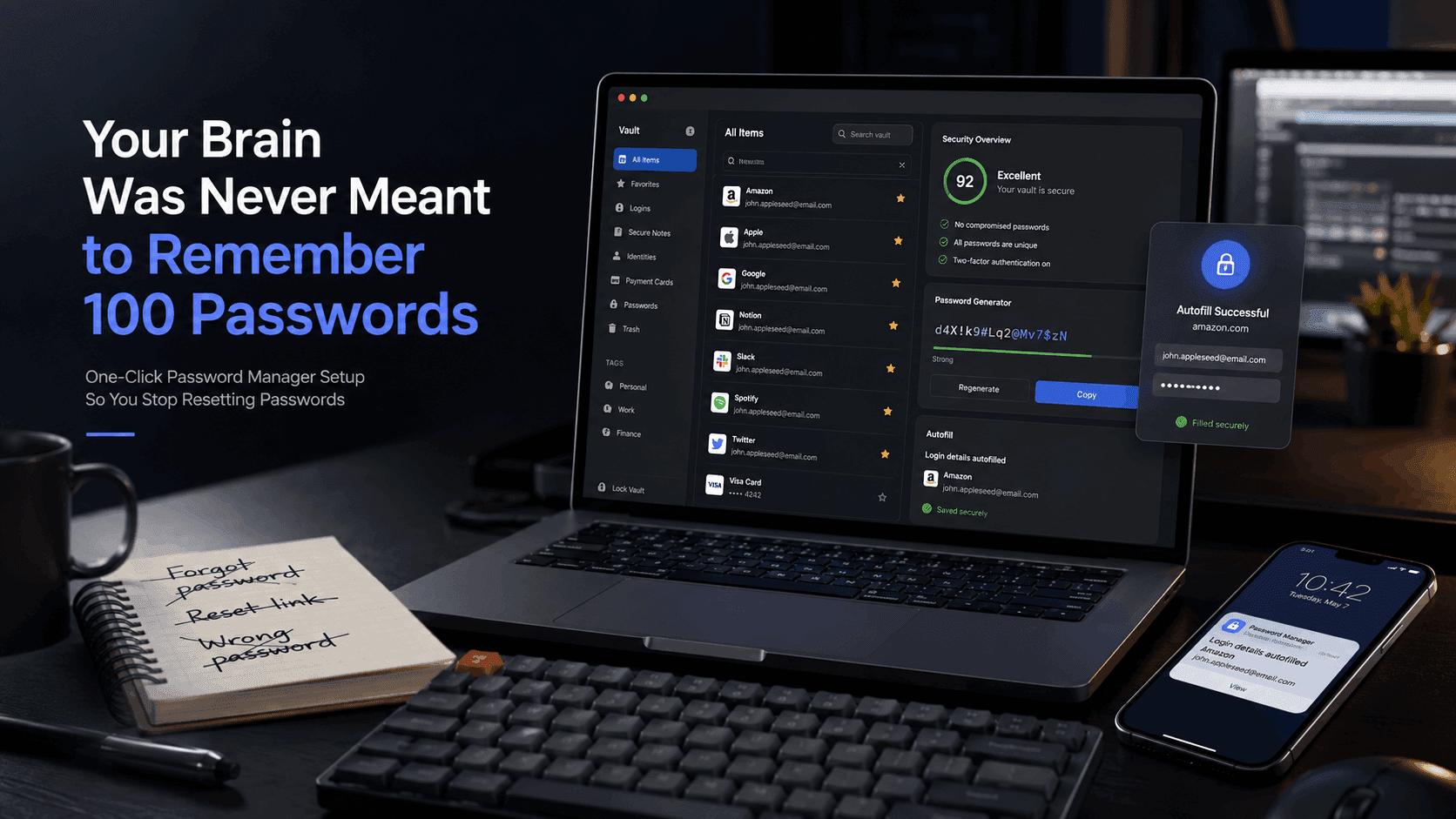
Use a trusted password manager such as:
- Bitwarden
- 1Password
- KeePass
Password managers:
- Encrypt your credentials
- Generate strong passwords
- Sync securely across devices
- Reduce password reuse
Your passwords should never live in plain text.
4. Downloading “Free” Software from Random Websites

Free software can become very expensive.
Many shady download sites bundle:
- Adware
- Spyware
- Browser hijackers
- Crypto miners
- Hidden malware
The scary part? Some malicious installers look almost identical to legitimate software.
You think you downloaded a video converter or PDF tool. Instead, you installed software quietly harvesting your data in the background.
Warning Signs
- Aggressive popups
- Fake “Download” buttons
- Forced browser extensions
- Unexpected antivirus warnings
- Slow system performance after installation
What To Do Instead
- Download software from official websites only
- Avoid cracked or pirated software
- Read installation screens carefully
- Use reputable antivirus protection
If something feels suspicious, it probably is.
5. Not Using a Screen Lock

People protect social media accounts better than their physical devices.
That’s a huge mistake.
An unlocked phone or laptop gives instant access to:
- Emails
- Banking apps
- Photos
- Password resets
- Work documents
- Private conversations
And it only takes seconds.
Losing an unlocked device is far worse than losing a locked one.
What To Do Instead
Enable:
- PIN protection
- Fingerprint unlock
- Face unlock
- Auto-lock timers
A simple lock screen can prevent catastrophic privacy damage.
6. Letting Startup Programs Take Over Your Computer

If your computer takes forever to start, startup programs are often the reason.
Many applications silently add themselves to startup without asking:
- Chat apps
- Updaters
- Gaming launchers
- Cloud sync tools
- Background utilities
Eventually your computer boots into chaos.
Symptoms include:
- Slow startup times
- High RAM usage
- Constant fan noise
- Lag immediately after boot
What To Do Instead
Review startup apps regularly:
- Disable apps you don’t need immediately
- Keep only essential startup programs enabled
- Remove unused software entirely
Your computer should not launch 25 background apps just to open a browser.
7. Never Backing Up Your Data

This is the mistake people regret the most.
Because nobody cares about backups…
Until:
- The laptop dies
- The phone gets stolen
- Ransomware encrypts files
- A hard drive suddenly fails
- Important photos vanish forever
And when that happens, panic starts immediately.
Years of memories, projects, and documents can disappear in seconds.
What To Do Instead
Follow the “3-2-1 backup rule”:
- 3 copies of important data
- 2 different storage types
- 1 backup stored offsite or in the cloud
Use:
- External drives
- Cloud backups
- Automatic sync services
Backups feel unnecessary right up until the moment they become priceless.
Final Thoughts
Most tech disasters don’t happen suddenly.
They happen slowly through habits repeated every day:
- Heat
- Neglect
- Weak security
- Careless downloads
- No backups
The good news is that small changes dramatically improve:
- Device lifespan
- Performance
- Security
- Reliability
Your devices are expensive. Treat them like they matter before preventable mistakes turn into expensive problems.
Because by the time most people realize they’ve been damaging their devices…
…it’s already too late.