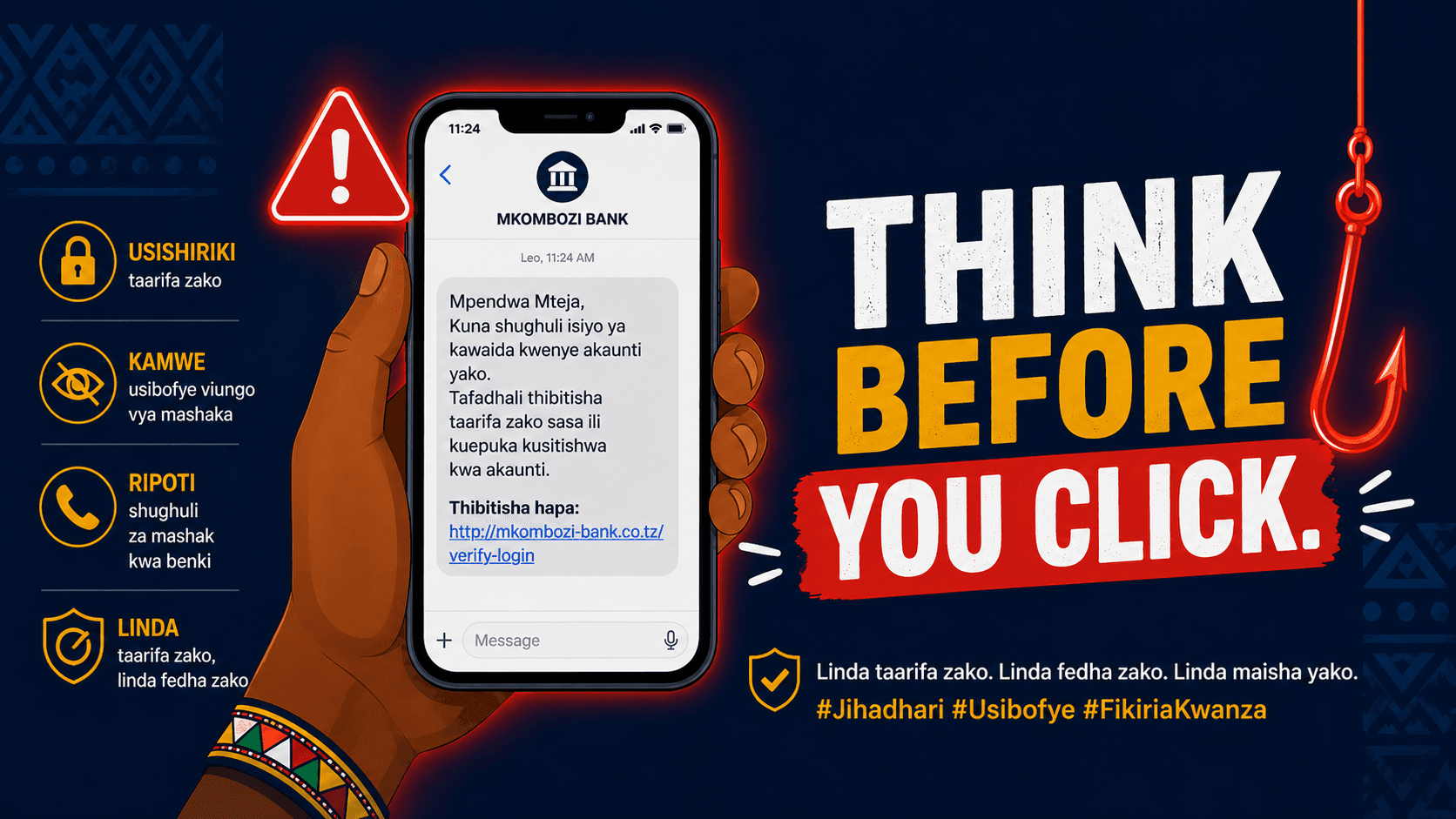
Imagine this.
You’re in a daladala, stuck in evening traffic. Your phone buzzes. It’s a message from “M-Pesa”:
“Your account has been locked. Verify your details immediately to avoid suspension.”
You’re tired. It feels urgent. You tap the link.
That single tap is all it takes.
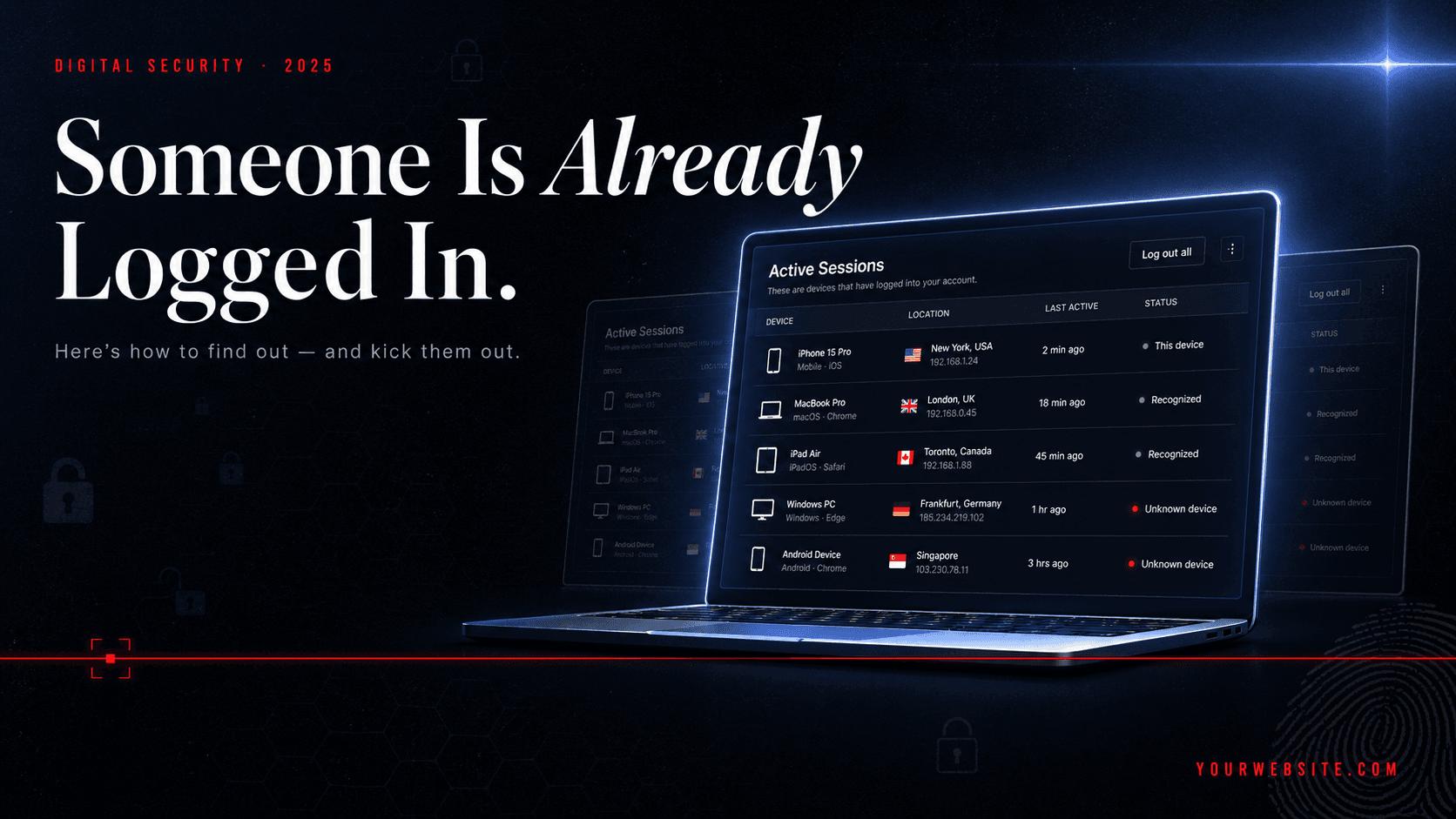
And this isn’t a rare mistake. It’s happening every day across Dar es Salaam, Nairobi, Kampala — to people who consider themselves careful. According to a World Bank-backed survey, Tanzania ranks among the most exposed countries in Sub-Saharan Africa for mobile fraud, with more than half of users reporting scam messages (source).
This is called phishing — and it works because it doesn’t attack your phone.
It attacks your attention.
The good news is this: phishing is predictable. Once you understand the patterns, you can spot it before it costs you money.
What Is Phishing (Without the Tech Jargon)?
Think of phishing like a con artist in uniform.
They don’t break in. They knock politely, dressed like someone you trust — your bank, your telecom provider, even your boss — and ask you to open the door yourself.
Online, that “door” is usually a link.
According to Microsoft, phishing attacks rely on fake messages that impersonate trusted institutions to trick you into revealing passwords, PINs, or financial details (source).
These messages show up where you’re most vulnerable:
- SMS and WhatsApp (the most common in East Africa)
- Email (especially for professionals and business owners)
- Social media DMs
- Phone calls pretending to be support agents
And the scale is serious. Mobile money fraud and social engineering scams cost Africa over $1.5 billion in 2022 alone (source). Law enforcement is catching up — INTERPOL reported over 1,200 arrests during Operation Serengeti in 2025 — but the attackers are still moving fast (source).
Which means your best defence is not an app.
It’s awareness.
The 7 Red Flags That Give Phishing Away
1. Urgency Is Doing the Heavy Lifting
Any message that tries to rush you is already suspicious.
“Act now or your account will be closed.”
That pressure is intentional. Attackers know that urgency shuts down critical thinking.
Legitimate companies don’t threaten you with deadlines over SMS. When you feel rushed, that’s your signal to slow down.
2. The Link Looks Right — Until You Actually Read It
This is where most people get caught.
At a glance, these look similar:
-
vodacom.co.tz(legitimate) -
vodacom-verify.co.tz(fake) -
nbc.co.tz(legitimate) -
nbc-secure-login.com(fake)
Attackers rely on small visual tricks — extra words, swapped letters, or different domain endings.
A real-world example: a phishing campaign mimicked Microsoft Teams using micros0ft-teams.net (with a zero instead of “o”), successfully stealing credentials (source).
If you have to “double-check” a link, that’s already a warning.
3. The Sender Doesn’t Match the Brand
If your bank emails you from a Gmail address, it’s not your bank.
A message claiming to be from NMB but sent from nmbsupport@gmail.com is a clear fake. The same logic applies to SMS and WhatsApp — official services use verified shortcodes, not random personal numbers.
This is one of the easiest checks, and one of the most ignored.
4. “You’ve Won” — Without Ever Entering
No one gives away money to strangers on WhatsApp.
Messages promising prizes, giveaways, or “easy returns” are built to trigger excitement before logic kicks in.
INTERPOL has documented cases where victims were shown fake investment dashboards and encouraged to deposit small amounts — only to be locked out when they tried to withdraw (source).
If you didn’t apply, register, or participate — there is nothing to claim.
5. The Website Feels Off (Even If It Has a Padlock)
A secure site should start with https://.
But here’s the part most people don’t know: that padlock is not proof of safety.
Security researchers estimate that a significant portion of phishing sites now use HTTPS to appear legitimate (source).
So instead of trusting the padlock alone, ask:
- Does the domain name look clean and official?
- Are there strange words or spelling errors?
- Is the page asking for sensitive information too quickly?
Trust your instincts. If something feels off, it usually is.
6. Unexpected Files Are Almost Always Bad News
A message says:
“Download your salary slip.”
You weren’t expecting one.
That’s enough reason not to open it.
Malicious attachments — especially ZIP files or documents that ask you to “enable content” — are a common entry point for malware (source).
No expectation, no download. Simple rule.
7. Generic Greetings Instead of Your Name
“Dear Customer” is not how your bank talks to you.
Legitimate institutions usually personalise communication. Phishing messages stay vague because they’re sent to thousands of people at once.
It’s a small detail, but a reliable one.
A Practical Habit: Check Before You Click
You don’t need technical skills to verify a link. Just slow down and check.
On a phone: Press and hold the link to preview the full URL.
On a computer: Hover your cursor over the link and read the destination.
Still unsure? Use a checker:
- Google Safe Browsing
- Bitdefender Link Checker
- F-Secure Link Checker
These tools compare links against known malicious databases and flag risks in seconds (source).
If You Already Clicked — Act Immediately
Mistakes happen. What matters is how fast you respond.
- Close the page immediately
- Do not enter any information
- Turn off your internet connection
- Change your passwords (start with email and mobile money)
- Contact your bank using official channels
- Run a security scan on your device
According to the Federal Trade Commission, quick action can significantly reduce financial damage after a phishing attempt (source).
Why This Matters More Than Ever
Mobile money has transformed daily life across East Africa. Services like M-Pesa, Tigo Pesa, and Airtel Money have made transactions faster and more accessible than ever.
But they’ve also created a new target.
Cybercrime in Africa is now estimated to cost up to $5 billion annually, with East Africa among the hardest-hit regions (source).
This isn’t just a tech issue. It’s a daily-life issue.
The Bottom Line
Phishing doesn’t rely on advanced hacking.
It relies on catching you in a moment of distraction.
That’s why the most effective defence is simple:
- Slow down when something feels urgent
- Read links carefully, not quickly
- Verify senders, don’t assume
- Never share your PIN, password, or OTP
And when in doubt, don’t click.
One extra second of attention can save your entire account.