Open your phone.
Check your Facebook. Your Gmail. Your WhatsApp.
Now ask yourself one uncomfortable question:
When was the last time you checked which devices are logged into your accounts?
If your answer is “I can’t remember” — or worse, “never” — then you’re operating on blind trust. And in today’s threat landscape, blind trust is exactly what attackers rely on.
This isn’t about movie-style hackers in hoodies smashing keyboards in dark rooms. It’s far more ordinary — and far more dangerous.
It’s someone quietly logged into your account from another phone. Another browser. Another city.
Reading your emails. Watching your conversations. Waiting for the right moment to act.
And most people don’t realize it until the damage is already done.
The Moment People Realize Something Is Wrong
In incident response, we see the same pattern over and over:
- A friend asks: “Did you just send me this link?”
- Messages appear that you never typed
- A login alert comes from a location you’ve never visited
- Or worse — your account locks you out
That sinking feeling? That’s usually the first sign of unauthorized access.
And by that point, the attacker has often been inside for hours — sometimes days.
Why This Is Getting Worse (Especially in East Africa)
The scale of this problem is no longer anecdotal — it’s measurable.
According to the 2025 INTERPOL Africa Cyberthreat Assessment Report, cybercrime now accounts for over 30% of reported crimes in parts of Eastern Africa.
Let that sink in.
Not street theft. Not physical fraud. Cybercrime.
Other data points paint an even clearer picture:
- Scam-related activity has surged by up to 3,000% in some regions (INTERPOL / Kaspersky data)
- The FTC reported $1.9 billion lost to social media scams in 2024 alone
- And reused passwords remain a critical weakness, contributing to the majority of account takeovers
East Africa’s rapid digital growth — mobile money, social platforms, remote work — has outpaced everyday security habits. That gap is exactly where attackers operate.
How Attackers Actually Get In
Let’s strip away the myths. Most account breaches don’t happen through “advanced hacking.”
They happen through predictable human behavior.
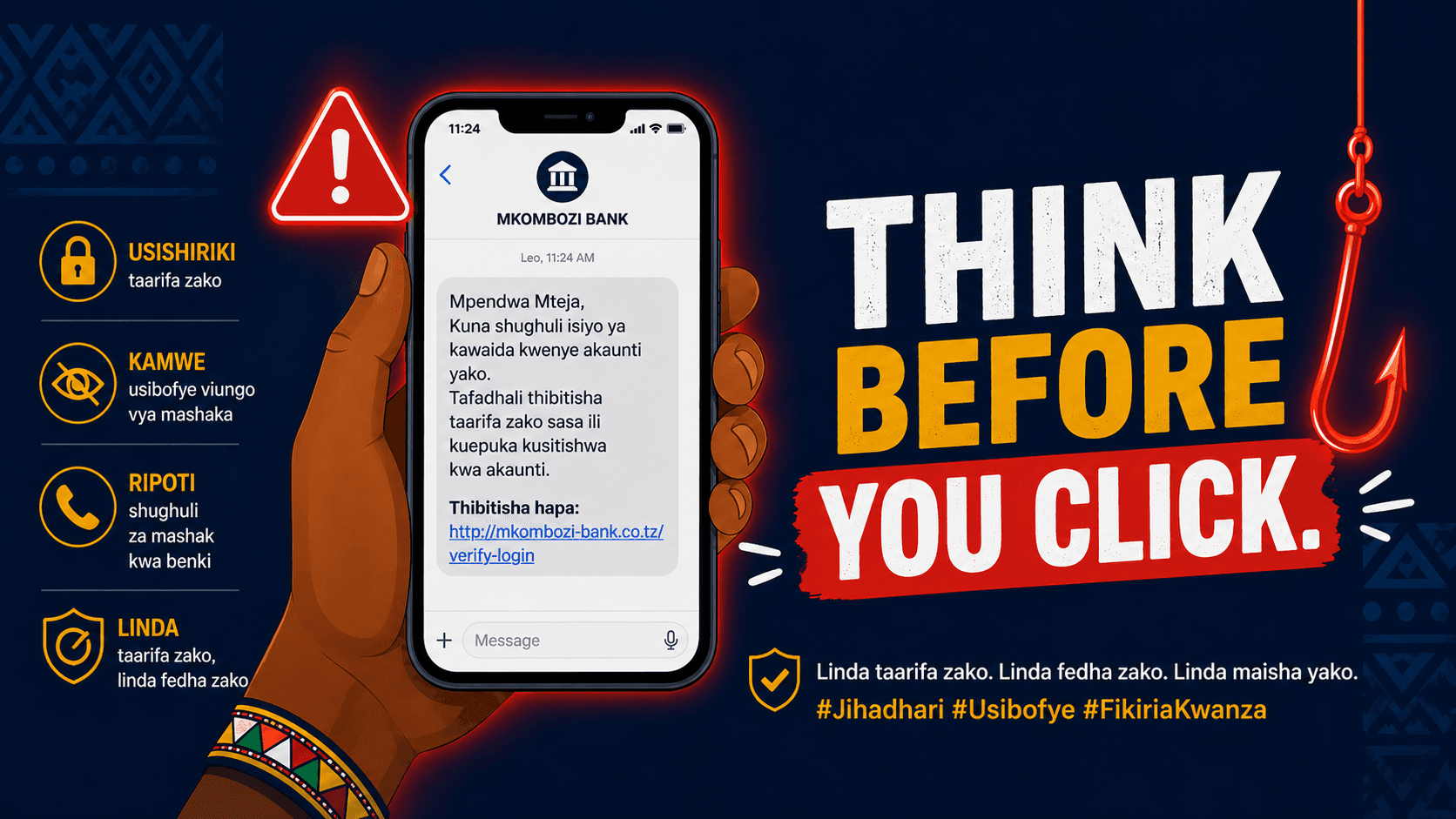
1. Phishing (Still the #1 Entry Point)
You get a message:
“Is this you in this video?”
You click. You land on a login page that looks real. You enter your details.
Game over.
This is classic phishing — and it remains the most effective technique globally. The FTC confirms it’s still one of the primary causes of account compromise.
2. Password Reuse (The Silent Killer)
Here’s what most people don’t realize:
You might never have been hacked directly.
Instead, a completely different platform you used years ago was breached. Your email and password were leaked. Attackers now test those same credentials across Google, Facebook, Instagram, and more.
If you reused that password, they’re in.
Statistics consistently show that credential reuse is one of the biggest drivers of account takeover attacks.
3. Shared Devices & Cyber Cafés
This is particularly relevant in cities like Dar es Salaam, Nairobi, and Kampala.
Logging into your account on:
- A friend’s phone
- An office computer
- A cyber café
…is not the problem.
Forgetting to log out is.
That session can stay active indefinitely.
4. SIM Swapping
This one is more targeted — and more dangerous.
An attacker convinces your telecom provider to transfer your number to their SIM card. Once that happens:
- They receive your SMS verification codes
- They reset your passwords
- They bypass weak 2FA protections
And suddenly, your accounts — including financial ones — are exposed.
5. Forgotten App Permissions
That quiz app. That “who viewed your profile” tool. That random login you approved years ago.
Many third-party apps retain access indefinitely.
If they get compromised, your account becomes collateral damage.
Signs Someone Is Already Inside
From a cybersecurity standpoint, these are your early warning indicators:
- Unrecognized messages or posts
- Password reset emails you didn’t request (a known red flag)
- Unexpected logouts across platforms
- Changes to recovery email or phone number
- Unusual silence in your inbox (possible forwarding rules — a documented tactic by attackers via NortonLifeLock research)
None of these should be ignored.
How to Check Your Active Sessions (Do This Today)
Google Account (Your Most Critical Asset)


Your Google account is your digital backbone.
Go to:
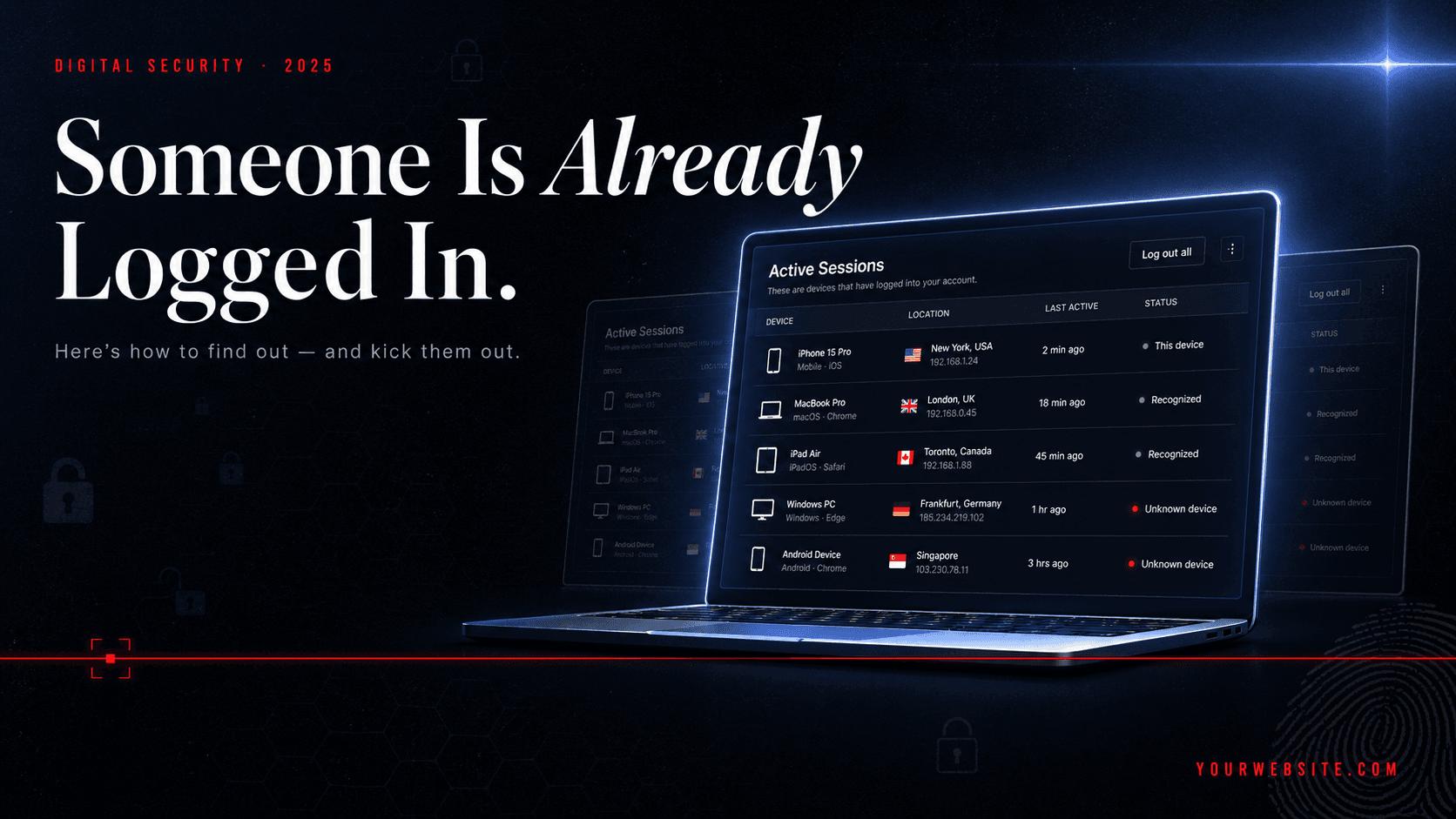
- myaccount.google.com → Security → Your Devices
Or directly: https://google.com/devices
Review:
- Device names
- Locations
- Last activity
If anything looks unfamiliar → Sign it out immediately.
Reference: Google Account Help
Facebook / Meta


Inside Meta Platforms (Facebook):
- Settings → Password & Security → Where You're Logged In
Facebook logs:
- Device type
- Location (approximate)
- Time of access
Reference: Android Police guide
WhatsApp (Often Overlooked)


Open WhatsApp → Linked Devices
If you see:
- A browser session you don’t recognize
- A device you no longer use
Log it out immediately.
Sessions here can persist for months.
Instagram, TikTok, X (Twitter)
These platforms all provide session visibility under security settings.
- Instagram → Accounts Centre → Password & Security
- TikTok → Security → Manage Devices
- X → Apps & Sessions
Reference: https://ergsy.com/information/how-can-i-check-recent-login-activity-my-social-media-accounts
If You Find a Suspicious Device — Act Fast
This is incident response mode:
-
Change your password immediately Use a long, unique passphrase (FTC recommendation)
-
Log out of all sessions
-
Enable 2FA everywhere (Prefer authenticator apps over SMS — SIM swapping risk is real)
-
Check recovery details Make sure they still belong to you
-
Audit email forwarding rules
-
Report the incident to the platform
Reference: FTC guidance
Lock It Down Properly (Long-Term)
If you only fix the breach without fixing your habits, it will happen again.
Here’s what actually works:
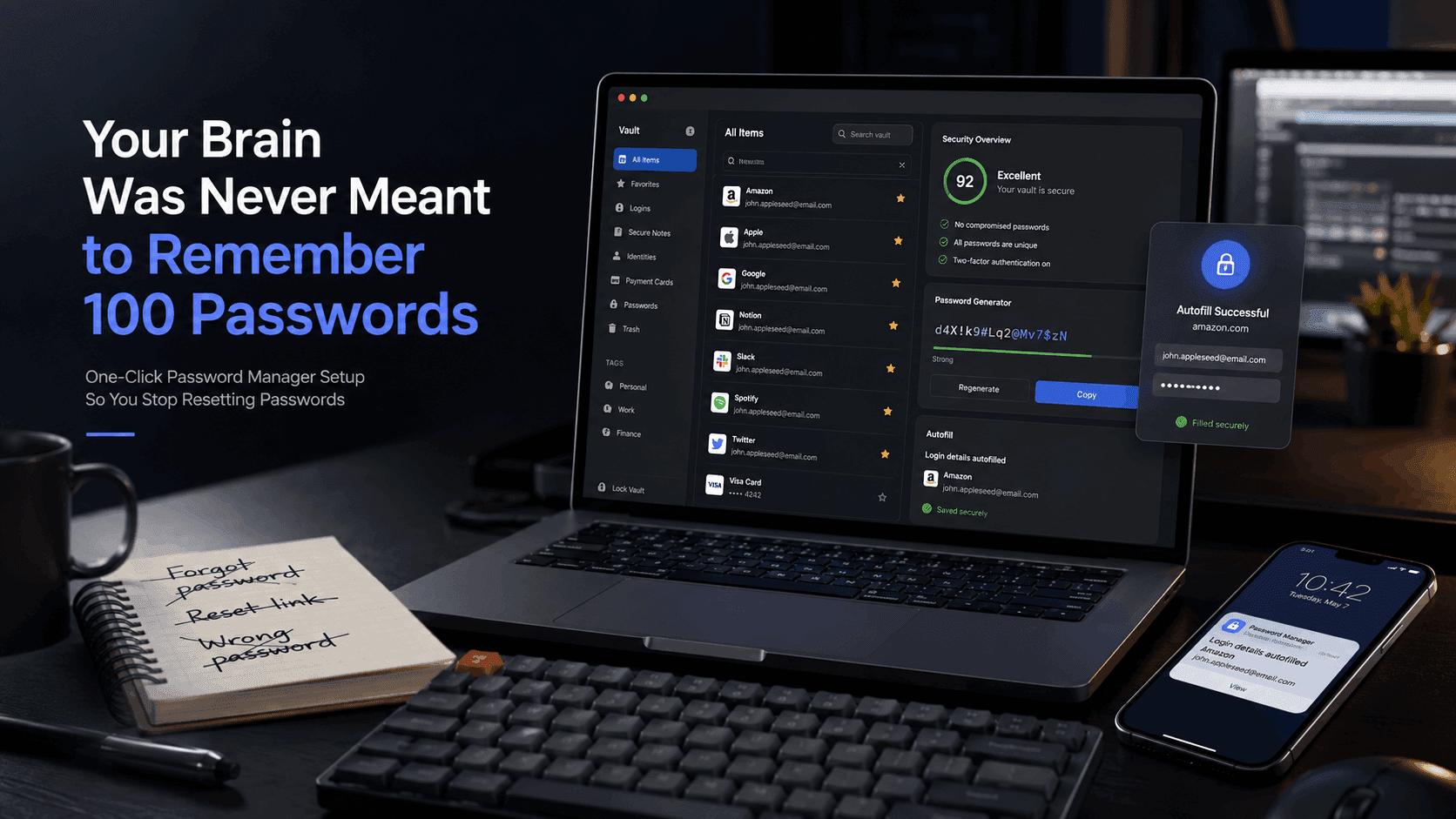
- Use a password manager like Bitwarden
- Enable 2FA on all critical accounts
- Avoid logging in on shared devices — or log out every time
- Check breaches via https://haveibeenpwned.com
- Review active sessions monthly
These aren’t “advanced” measures. They’re baseline security in 2026.
Final Reality Check
Here’s the uncomfortable truth:
Up to 94% of breaches involve human error.
Not sophisticated exploits. Not zero-day vulnerabilities.
Simple mistakes.
That means most of them are preventable.
Do This Before You Close This Article
- Check your Google account sessions
- Check Facebook
- Check WhatsApp
That’s less than 10 minutes.
And it might be the difference between staying in control — and realizing too late that someone else already is.
One last thing: Send this to someone who wouldn’t think to check — a parent, a friend, a colleague.
Because in today’s digital environment, security isn’t just personal.
It’s shared.