A strange thing is happening in offices, startups, universities, and remote workspaces around the world.
The people finishing work fastest are not necessarily working harder anymore.
They’re automating the boring parts.
Not with complicated coding. Not with expensive enterprise software. And definitely not with robots replacing everyone overnight like LinkedIn doom-posts keep predicting.
They’re simply using AI tools to handle repetitive digital work:
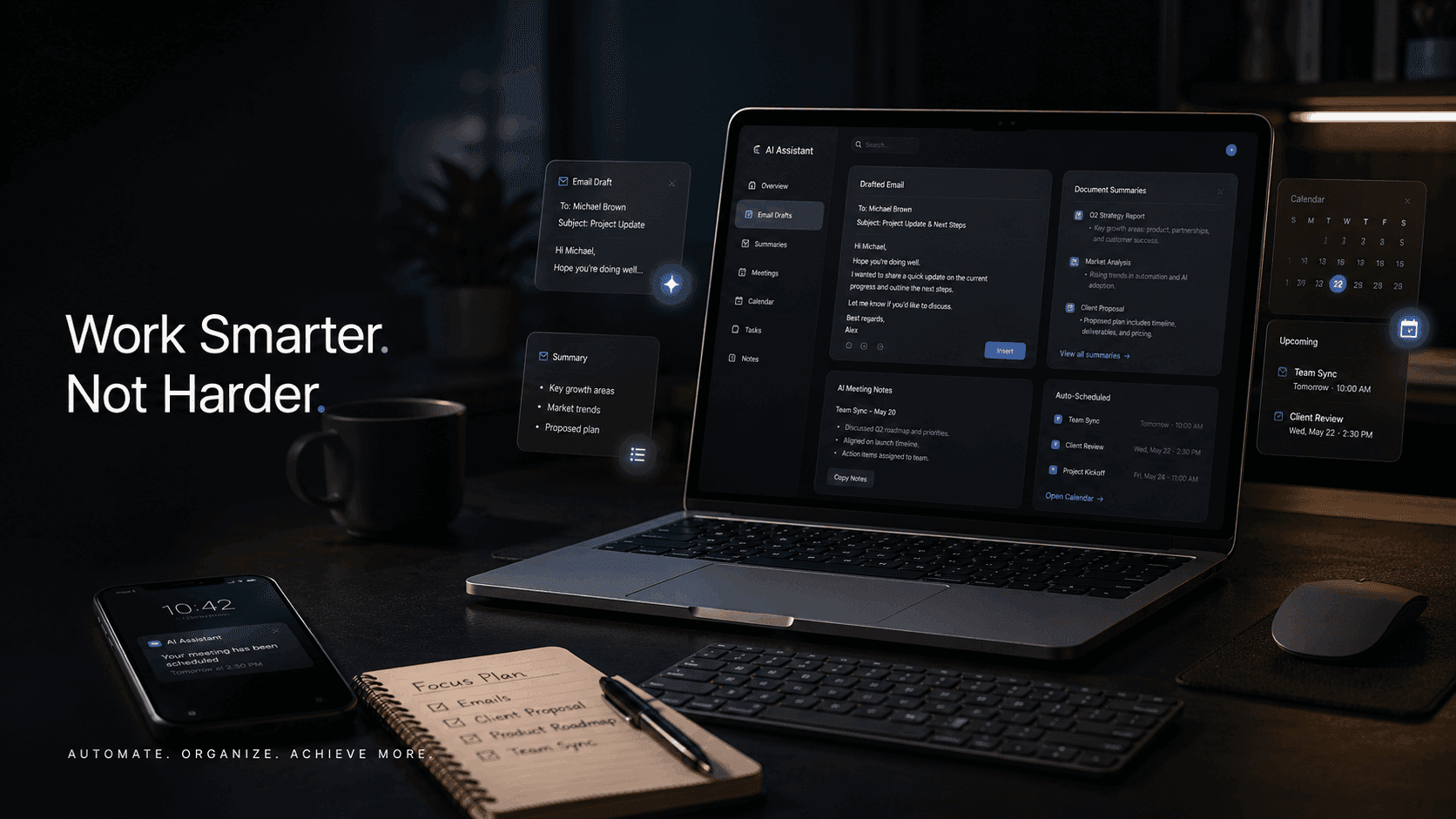
- drafting emails
- summarizing long documents
- organizing notes
- scheduling meetings
- rewriting messages
- generating reports
- turning chaos into structure
And the productivity difference is becoming impossible to ignore.
The modern workplace has a hidden problem: most people are drowning in “micro-work” — tiny administrative tasks that quietly consume entire days.
Replying to emails. Searching through documents. Writing meeting summaries. Coordinating schedules. Formatting notes. Rewriting the same message five different ways.
Individually, these tasks seem small.
Together, they eat your week alive.
AI is starting to change that.
The Biggest Productivity Lie About AI
A lot of people still think AI tools are mainly for:
- programmers
- tech companies
- students cheating assignments
- people generating weird images online
That’s outdated thinking.
The real revolution happening right now is much more practical.
AI is becoming a workplace assistant.
Not perfect. Not magical. But extremely useful for repetitive cognitive work.
And unlike most productivity trends, this one actually saves time immediately.
1. Using AI to Draft Emails in Seconds
Let’s be honest.
Most professional emails are structurally identical.
You:
- greet someone
- explain something
- sound polite
- avoid sounding rude
- rewrite the same sentence four times
- overthink the closing line
- send it
Then repeat this process 30 times daily.
That’s where AI tools quietly become powerful.
Tools like ChatGPT, Gemini, and Claude can draft surprisingly good emails from a short prompt.
Example:
“Write a polite follow-up email to a client who hasn’t responded in one week regarding a proposal.”
Within seconds, you get:
- a professional structure
- a clear tone
- concise wording
- proper formatting
But the real productivity gain is not just speed.
It’s mental energy.
Writing emails is exhausting because every message forces your brain to context-switch:
- formal vs casual
- short vs detailed
- polite vs assertive
AI removes most of that friction.
Instead of staring at a blank page, you edit an existing draft.
That changes everything.
2. AI Summarization Is Quietly Becoming Essential
Modern work has an information overload problem.
Nobody has time to read:
- 40-page PDFs
- meeting transcripts
- research documents
- endless Slack threads
- lengthy reports
Yet everyone is expected to stay informed.
This is where AI summarization becomes dangerously useful.
Upload a document into tools like:
…and ask for:
- key points
- action items
- executive summaries
- simplified explanations
- bullet breakdowns
A task that normally takes 45 minutes can shrink to five.
Of course, you should still verify important information manually.
But for first-pass understanding? AI is absurdly efficient.
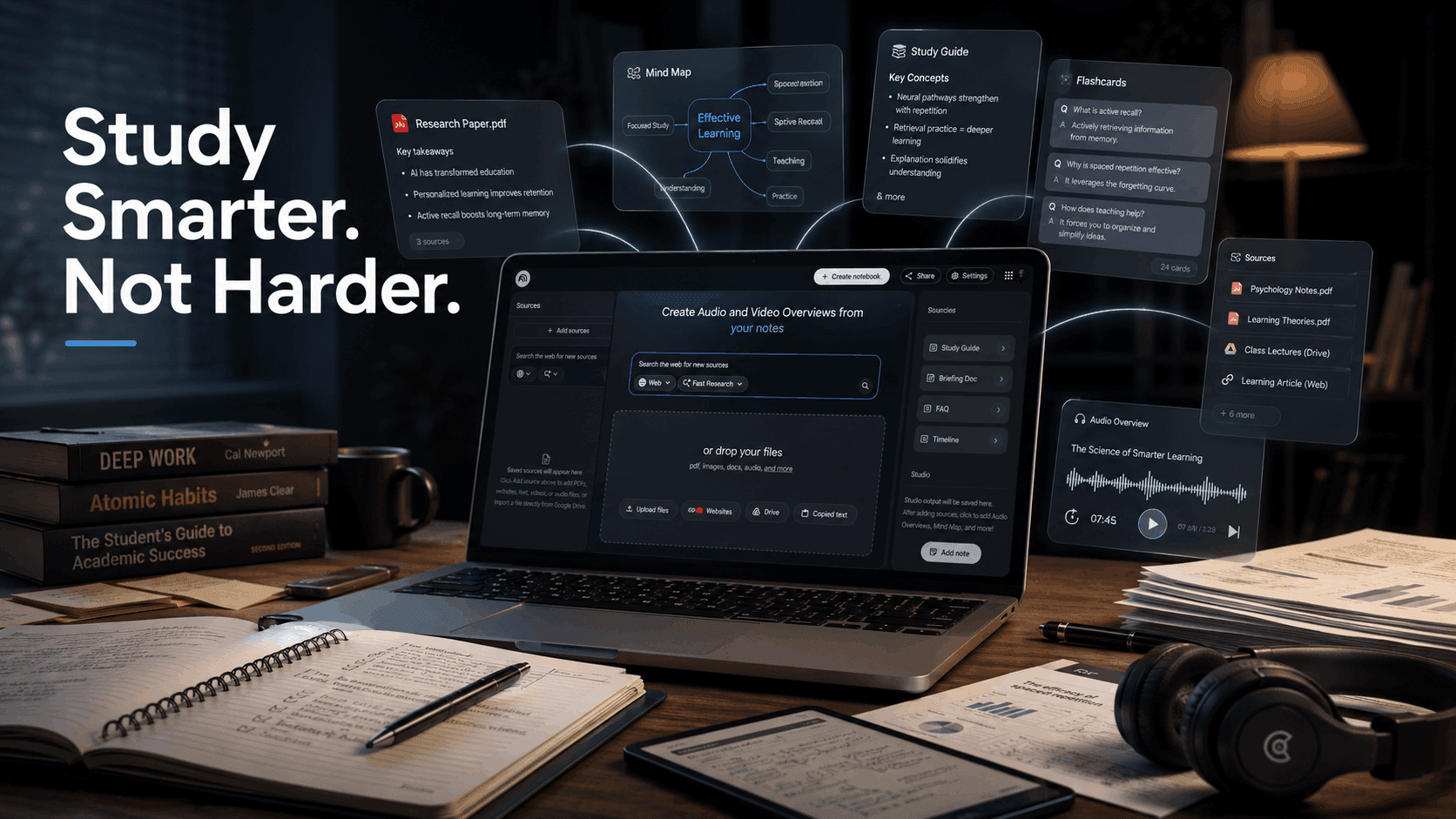
Students are using this for lecture notes. Managers use it for meeting recaps. Founders use it to process research faster. Freelancers use it to skim contracts before deeper review.
The time savings compound quickly.
3. AI Scheduling Is Eliminating Endless Back-and-Forth
There’s a special kind of frustration that comes from trying to schedule meetings manually.
“Are you free Thursday?”
“No, what about Friday?”
“Morning or afternoon?”
“Actually next week works better…”
Ten messages later, you finally book a 20-minute call.
AI scheduling tools are fixing this problem quietly in the background.
Platforms like:
can:
- detect availability
- suggest meeting slots
- avoid conflicts
- auto-adjust schedules
- prioritize deep work time
Some tools even analyze your calendar habits and automatically protect focus periods.
That matters more than people realize.
Because productivity is not just about doing more tasks.
It’s about protecting uninterrupted concentration.
4. AI Is Becoming a “Second Brain” for Busy People
One of the most underrated AI use cases is memory assistance.
People are now using AI tools to:
- organize scattered notes
- search past conversations
- extract ideas from meetings
- create task lists automatically
- turn voice notes into structured plans
This is especially useful for:
- entrepreneurs
- content creators
- remote workers
- researchers
- students
- managers juggling multiple projects
The average professional is overwhelmed by information, not lack of information.
AI helps compress chaos into something usable.
The Most Important Productivity Skill Now Isn’t Typing Faster
It’s prompting better.
People who get the best results from AI usually know how to communicate clearly.
Instead of saying:
“Write email”
They say:
“Write a concise but friendly follow-up email to a client who missed a payment deadline. Keep it professional but not aggressive.”
Specific instructions produce dramatically better results.
Good prompting is becoming a modern workplace skill — similar to learning spreadsheets a decade ago.
What AI Still Can’t Do Well
Despite the hype, AI still struggles with:
- nuanced judgment
- emotional intelligence
- sensitive negotiations
- critical fact-checking
- strategic decision-making
And this is important.
AI works best as:
- an assistant
- a drafting partner
- an accelerator
Not a replacement for thinking.
The professionals getting the most value from AI are not blindly copying outputs.
They’re editing, refining, and supervising.
That distinction matters.
A Practical AI Workflow Most People Can Start Today
You do not need a complicated setup.
A surprisingly effective workflow looks like this:
Morning
Use AI to summarize:
- emails
- reports
- meeting notes
Midday
Use AI to:
- draft replies
- rewrite unclear messages
- generate outlines
Afternoon
Use scheduling AI to:
- organize meetings
- prioritize tasks
- protect focus blocks
End of Day
Use AI to:
- summarize completed work
- prepare tomorrow’s task list
- clean up notes
Simple workflow. Massive cumulative time savings.
The Real Reason AI Productivity Tools Matter
The biggest benefit is not speed.
It’s cognitive relief.
Most knowledge workers are mentally overloaded long before they are physically tired.
AI reduces:
- decision fatigue
- repetitive wording
- administrative friction
- information overload
That frees up energy for:
- strategy
- creativity
- problem-solving
- actual thinking
Ironically, AI becomes most valuable when it removes the work humans were never meant to spend hours doing in the first place.
Final Thoughts
A few years ago, productivity meant:
- faster typing
- better multitasking
- managing notifications
Now it increasingly means:
knowing what should be automated.
The professionals who learn how to collaborate with AI — instead of fearing it or ignoring it — will likely gain a major advantage over the next few years.
Not because they work harder.
But because they spend less time trapped inside repetitive digital busywork.
And honestly?
That’s probably what technology was supposed to help with all along.