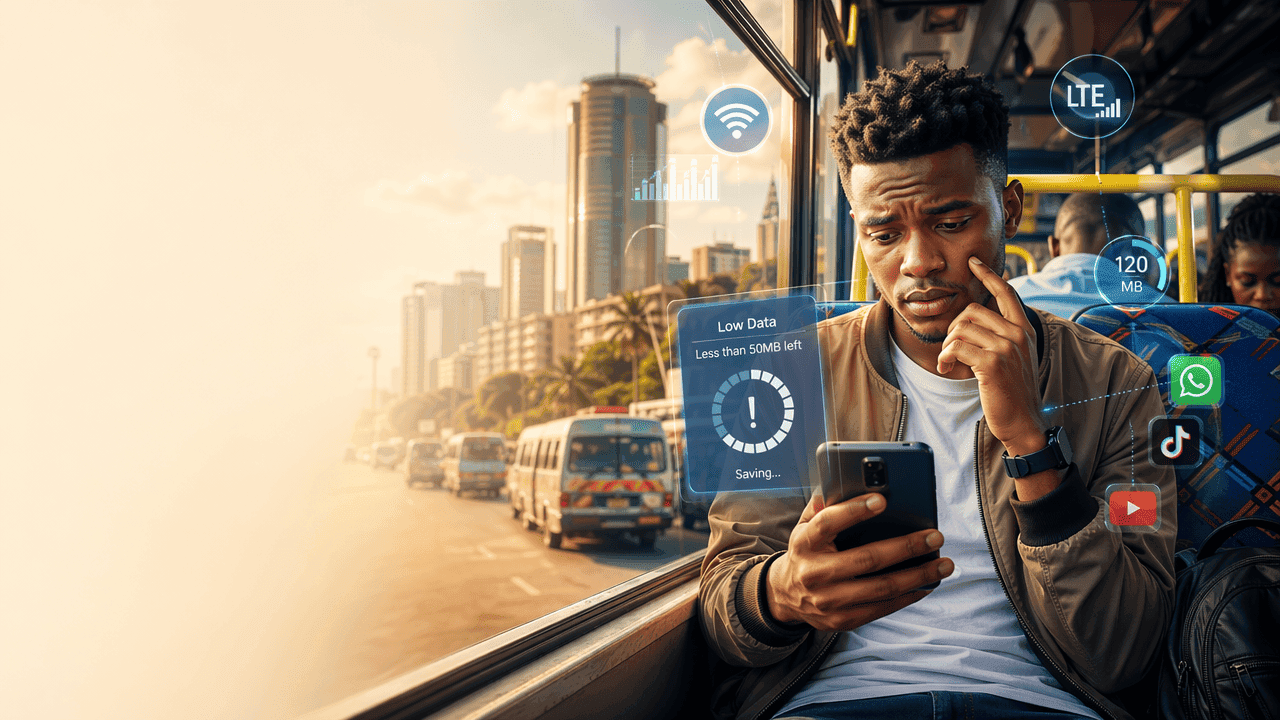
Calvin had 500MB left. It was Monday morning in Dar es Salaam, and he had five days until his next paycheck. His Vodacom bundle was burning fast between WhatsApp voice notes from his group chats and Instagram auto-playing videos he didn't even want to watch, he'd already burned through half his weekly data in two days. Sound familiar?
If you're facing the same issue, this story is yours too. Data is expensive, and every megabyte counts. Here are five tricks Calvin used to stretch his bundle to Friday — and beyond.
1. Turn On Data Saver Mode (Your Hidden Lifeline)
Most smartphones already have a built-in Data Saver mode, but many people never turn it on.
- On Android: Settings → Network → Data Saver
- On iPhone: Settings → Mobile Data → Low Data Mode
Why it matters:
Apps like Instagram and TikTok can consume up to 700MB per hour of scrolling. Data Saver limits background usage and reduces media quality.
Tip
Turn on Data Saver + restrict background data for heavy apps like TikTok, YouTube, and Facebook.
Calvin switched it on and immediately noticed fewer auto-loading videos eating his data.
2. Control Auto-Downloads on WhatsApp
In East Africa, WhatsApp is basically the internet. But it’s also a silent data killer.
By default, it downloads:
- Videos
- Voice notes
- Images
- Documents
Fact: In group chats alone, users can burn 200–500MB per day without realizing.
Fix it:
- Go to WhatsApp Settings → Storage & Data
- Turn off auto-download for videos and documents
Now Calvin only downloads what he actually wants not every random forwarded clip.
3. Use Lite Apps (They Exist for a Reason)
If you’re using full versions of apps, you’re paying for it with data.
Switch to:
- Facebook Lite
- TikTok Lite
- Opera Mini
Why it works:
Lite apps use up to 80% less data compared to standard versions.
In countries like Kenya and Uganda, millions use Lite apps specifically to reduce mobile costs.
Calvin swapped to Facebook Lite same content, less data stress.
4. Download, Don’t Stream (Especially on YouTube)
Streaming is expensive. Downloading is strategic.
- YouTube videos: ~300MB per hour (standard quality)
- Spotify streaming: ~40MB per hour
Instead:
- Download videos on Wi-Fi
- Use offline mode for music
Tip
Use public Wi-Fi spots (cafes, campus, offices) to download content instead of streaming on mobile data.
Calvin started downloading podcasts at work no more wasted bundles during his commute.
5. Track Your Data Like Money
If you don’t track it, you’ll overspend.
Use:
- Built-in data usage tracker (Android/iPhone)
- Or apps like My Data Manager
Fact: Studies show users who track usage reduce data consumption by up to 30%.
Set limits:
- Daily cap (e.g., 100MB/day)
- Alerts when nearing your bundle limit
Now Calvin treats his data like airtime with intention.
Take Control of Your Data Today
By Friday, Calvin still had 120MB left. Not because he used his phone less — but because he used it smarter.
Pick one trick from this list and turn it on right now. Your bundle will thank you. Which one will you try first?